Download Tora
Four AI agents in your Mac's notch. Free, with no account.
Download for Mac
macOS 26 or later · Apple silicon
Three steps.
Open Tora.dmg
It is in your Downloads folder.
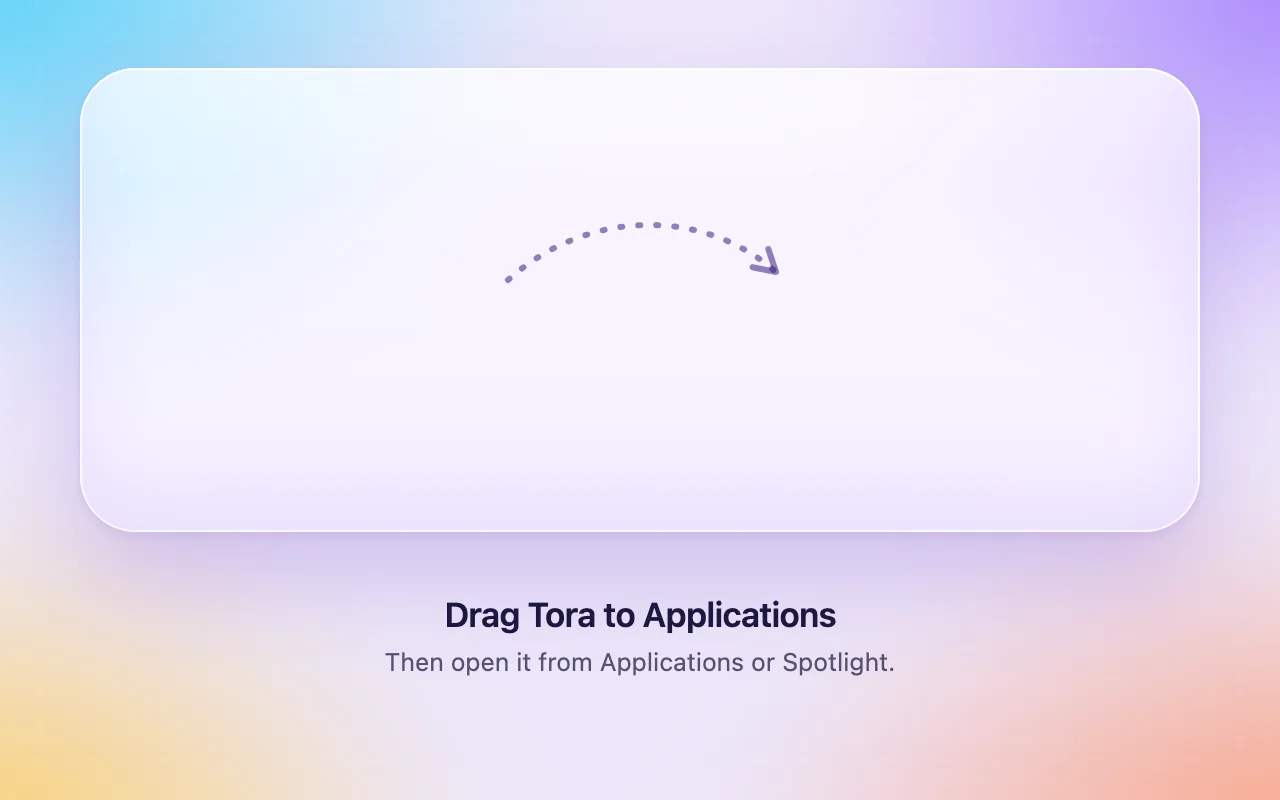
Drag Tora to Applications
The window shows where.
Open Tora
The welcome guide sets up the microphone and the keys.
Signed with a Developer ID and notarized by Apple.
Four agents. One app.




- Tora Cloud: sign in with Apple, Google, Microsoft, or email. One plan works on up to 3 Macs.
- Connect Claude Desktop, Claude Code, and Cursor to your meetings.
- A new Live card with an angel, a devil, and smart words.
Before you download.
Does Tora run on Intel Macs?
No. Tora needs a Mac with Apple silicon (M1 or later).
Which version of macOS do I need?
macOS 26 or later.
Is Tora free?
Yes. All four agents run on your Mac for free, with no account, no trial, and no card. Tora Cloud is an optional paid plan.
How do updates work?
Tora checks for new versions and offers them in a window. You choose when to install. Updates come from updates.usetora.com.